Website screen recordings
Voklira captures your homepage and key pages full-length, then scrolls through them in the edit like a real screen recording.
Your AI video producer
Voklira researches your product, records the screen, finds B-roll, writes the script and edits a presenter video with voiceover and captions — while you watch it happen in the chat.
How it works
You brief Voklira the way you would brief a freelance producer. It does the legwork, shows its work in the chat, and hands back a video you can post.
Paste a URL or describe the idea. No storyboard, no settings page — the defaults are sensible and you can change any of them in the chat.
Inside the edit
Good product videos cut between a face and the thing being talked about. This is the real edit of the 0:34 SupaTraffic explainer above: Voklira wrote every line with its shot — presenter, stock or the product itself — so nobody talks over nothing. Scrub it.
Presenter0:03 / 0:34
Scene 1 of 7 · EmmaYour buyers are asking Google and ChatGPT what they need. Is your site the answer?
Caption on screenCHATGPT WHAT THEY
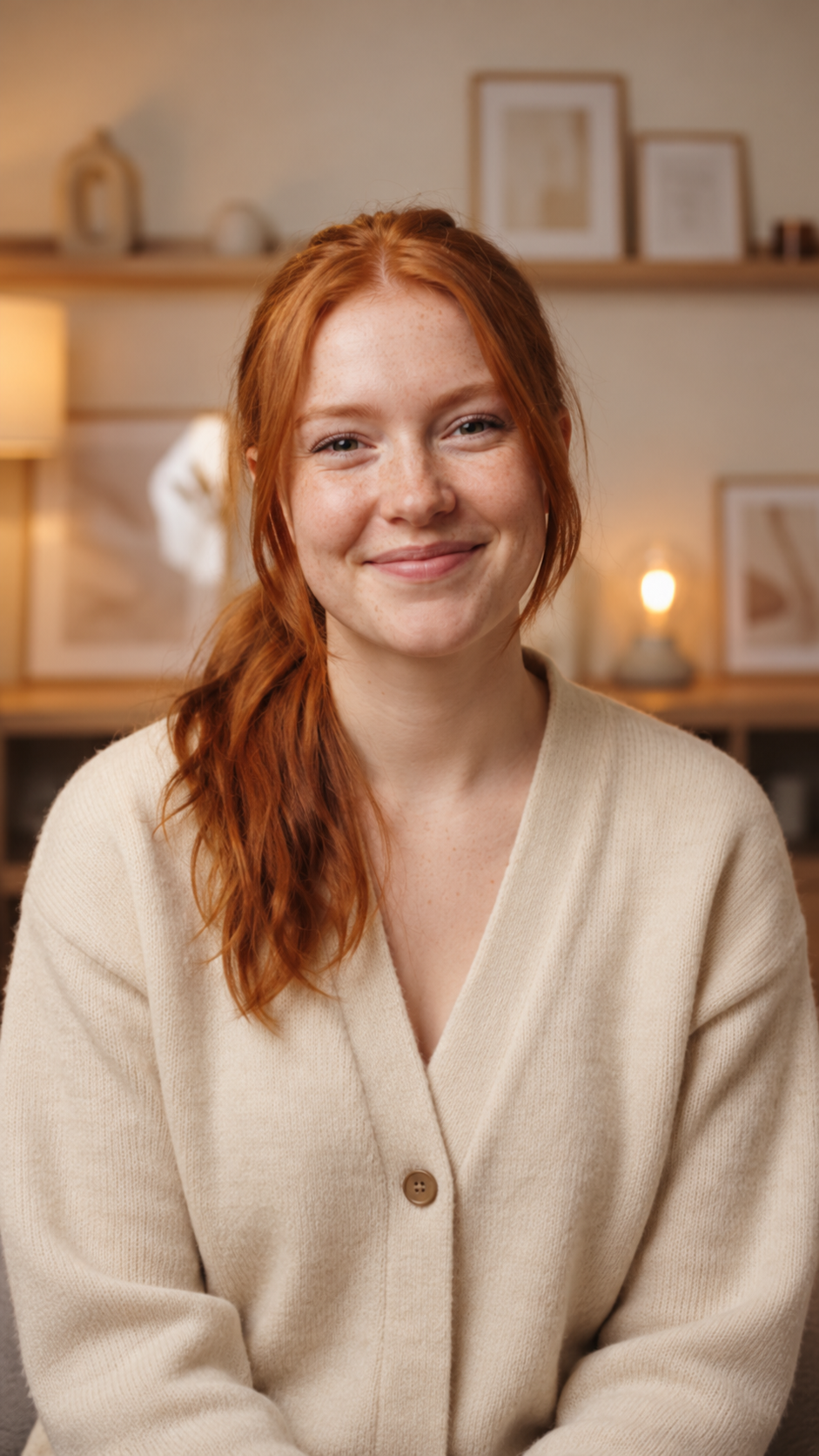
The hook comes from a face: Emma, lip-synced to Sarah's voiceover and framed for 9:16, asks the question the video answers.
A lip-synced digital presenter delivers the hook, the turn and the call to action. Pick one of 8, or have one made.
Scrolling captures of your real pages. Nothing proves a product like the product.
Licensed clips and photos for context — people, places, the problem you solve — found by search.
Generated stills and five-second clips for the ideas stock can't show.
Made with Voklira
Nothing here was edited by hand. Each video is what the producer returned for the message beside it — research, captures, script, presenter and cut included.
The cast
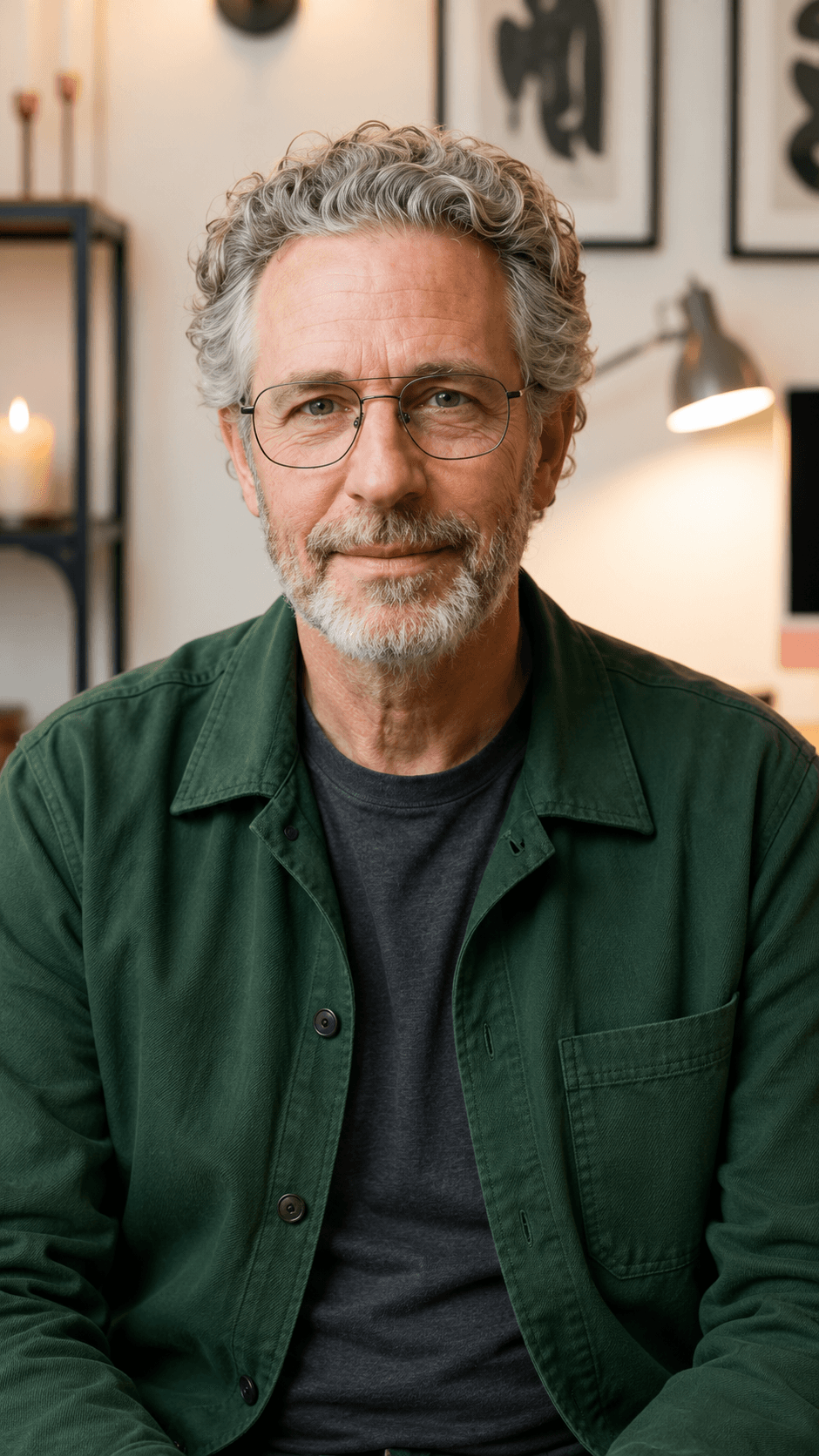
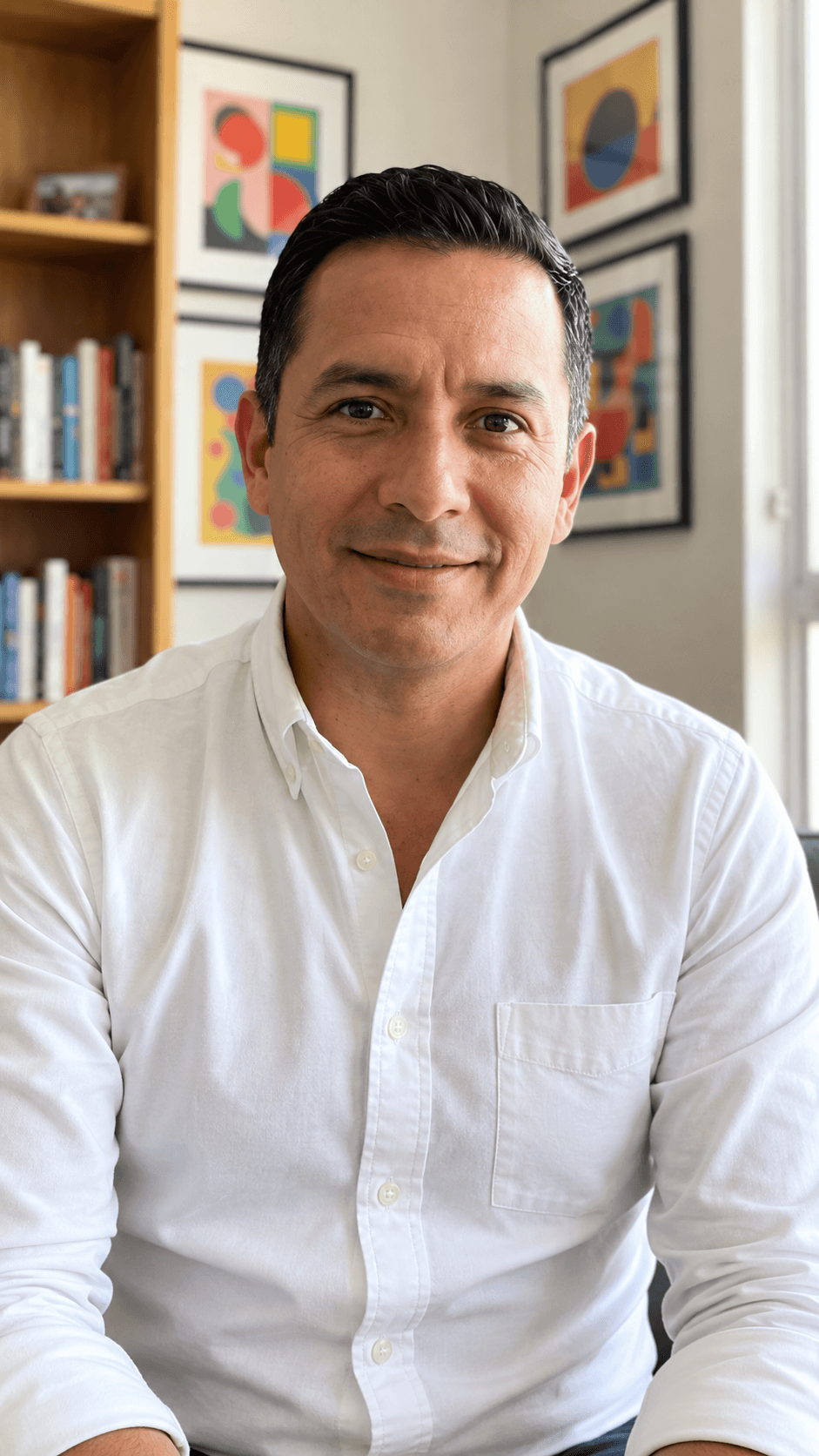
Every presenter is lip-synced to the voiceover and comes paired with a voice — or mix any of them with any of 15 voices. On Pro, describe a custom presenter and Voklira draws one for you.
 Brian
Brian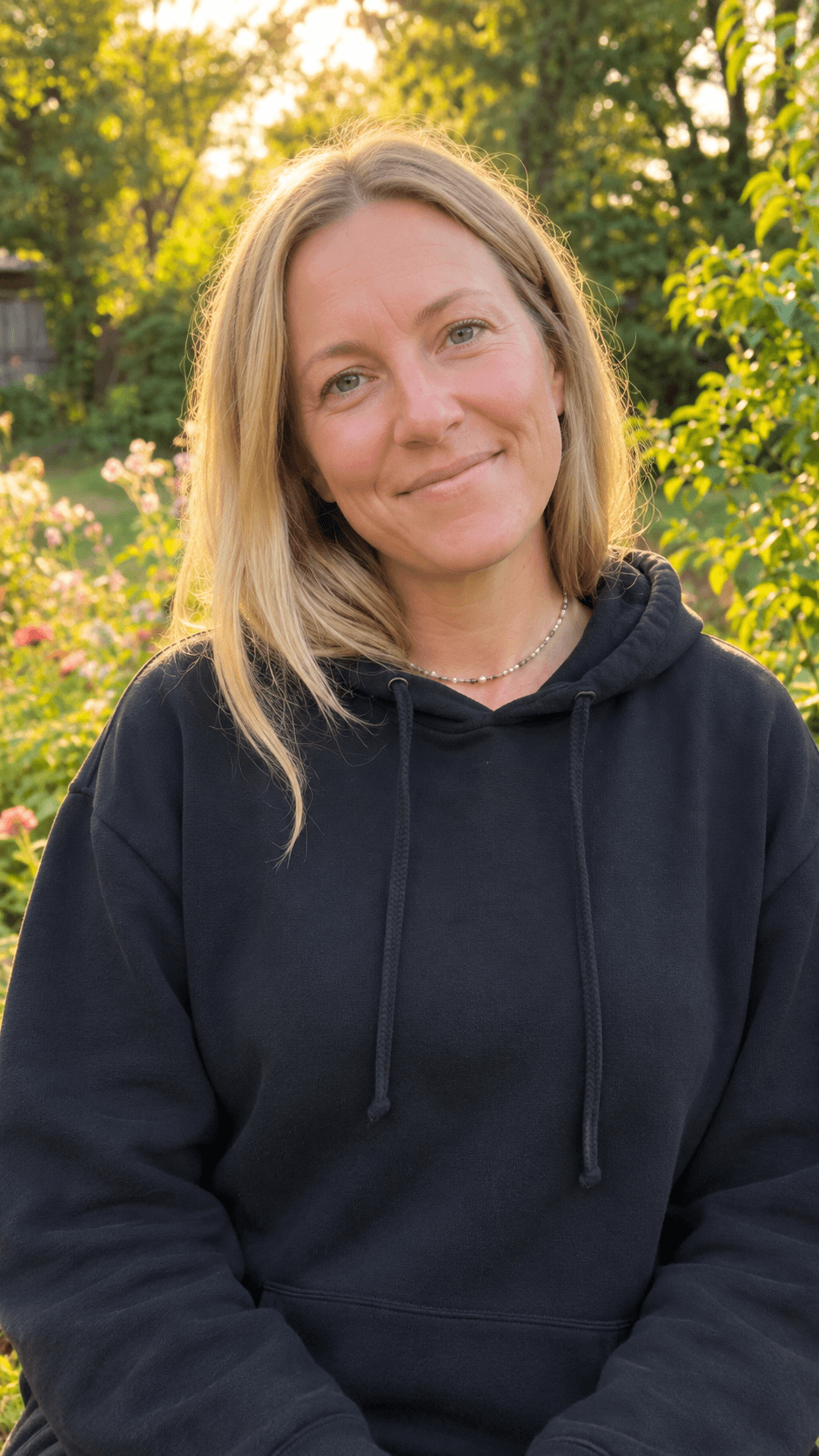 Jessica
 Matilda
 Daniel
 Adam
Adam Eric
Eric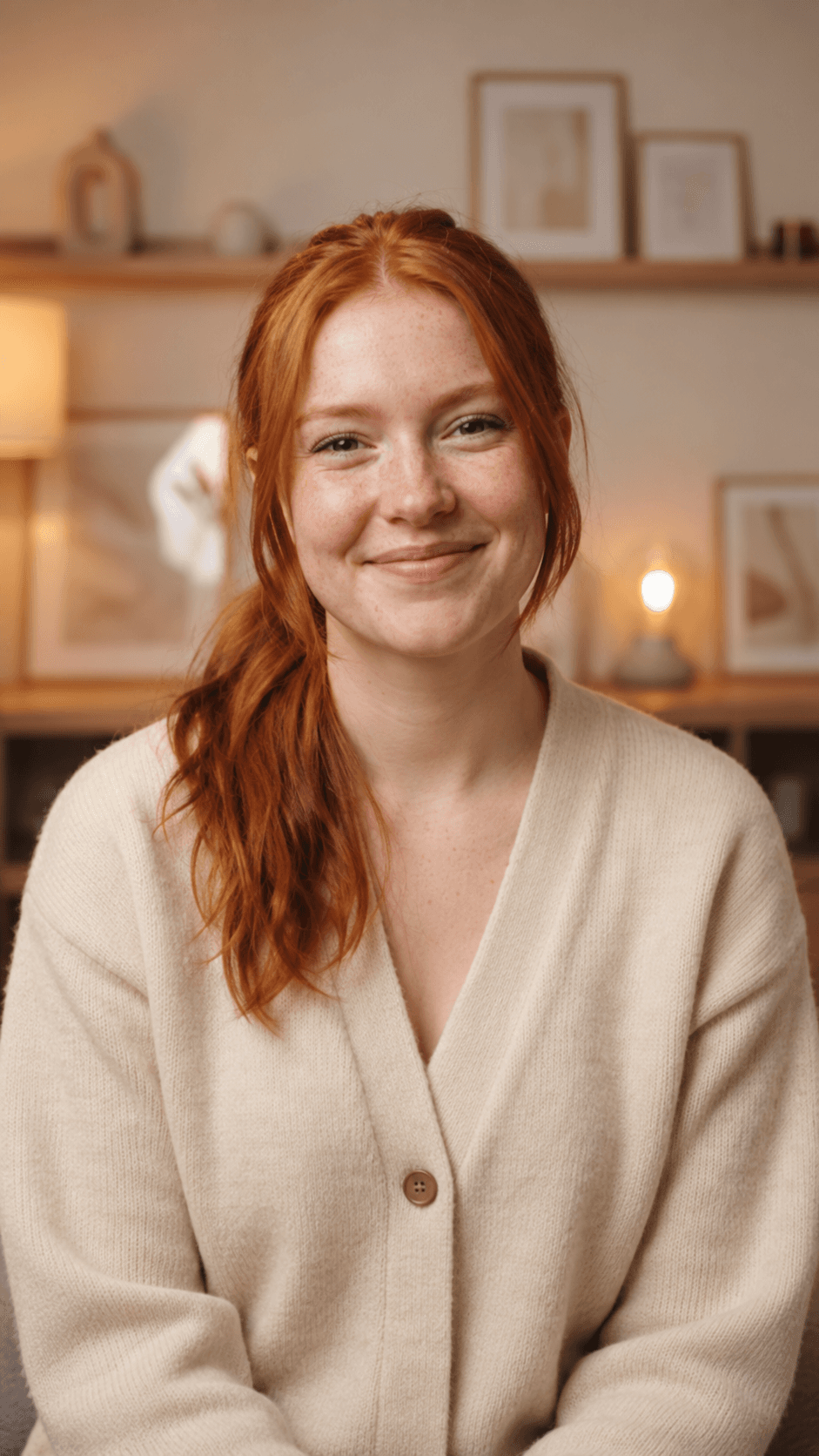 Sarah
Sarah Chris
ChrisWhat's in the box
Research, capture, stock, generation, voice, edit and captions — handled by one producer that remembers the brief.
Voklira captures your homepage and key pages full-length, then scrolls through them in the edit like a real screen recording.
Licensed clips and photos, searched by what each line needs and the frame you are cutting.
For ideas no stock library has: generated stills with a slow push-in, or five-second motion clips.
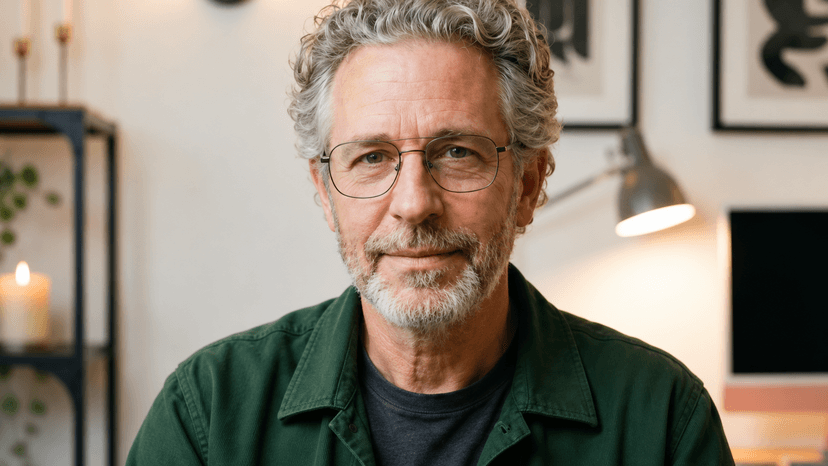
Natural voiceover in 15 voices, with the presenter's mouth matched to every word.
Bold word-by-word captions with the spoken word lit up, or a clean subtitle style. Most people watch on mute.
Vertical, landscape or square — and the presenter is framed for each, not cropped.
Ask for changes in plain words. Voklira re-cuts with every asset that didn't change, so revisions are quick and cheap.
Use cases
Pick a brief to start from — it lands in the chat at the top, ready for your link.
Walk through the features that matter, with real screen recordings of your site.
The problem, the product, the payoff — a presenter explains it in under a minute.
Show the flow screen by screen for onboarding emails, help centres and app stores.
A casual, face-to-camera ad that feels native in the feed, with bold captions.
Announce the release on Product Hunt, X and LinkedIn the same day you ship it.
A steady stream of 15–30 second clips from one site, one tip or one customer story each.
Pricing
Credits cover everything a video uses — captures, AI shots and the render. Start with 100 free credits, about one 30–40 second presenter video. Failed jobs are refunded automatically.
$0
100 credits on sign-up
$29/ month
700 credits every month
$79/ month
2,200 credits every month
Everything you need to know before your first video.
Voklira is an AI video producer you talk to. Give it your website, app or product — or just an idea — and it researches it, records the screen, finds stock footage, generates any extra shots, writes the script and edits a finished video with a presenter, voiceover and captions.
A URL is enough. Add the goal, the length, the tone or the platform if you care about them; otherwise Voklira defaults to a 30–45 second vertical video with a presenter and bold captions, and you can change anything afterwards in the chat.
A-roll is the presenter on camera talking to the viewer. B-roll is everything cut in over their voice: screen recordings of your website, stock clips and AI-generated shots. Voklira plans a shot for every line of the script, so the video always shows what is being said.
Eight built-in digital presenters — Matt, Vicky, Kyoko, Oliver, Ted, Tony, Emma and Andrew — each lip-synced to the voiceover and paired with one of 15 voices. On the Pro plan you can describe a custom presenter and Voklira creates one. Presenters are AI-generated, not real people.
Research and captures take about a minute and the render two to six more, so a first cut usually arrives within ten minutes. Credits pay for the work: a 30–40 second presenter video uses roughly 100 credits including its captures, which is why every new account starts with 100 free credits. Failed jobs are refunded automatically.
Yes. Ask in plain words — a punchier hook, a different presenter, a shorter cut, a 16:9 version — and Voklira re-renders, reusing every asset that did not change.
Videos made on the Pro plan include a commercial license, so you can run them as ads and use them in client work. Stock footage stays licensed by its providers under their terms.
Paste a link, get a cut. 100 free credits, no card, no timeline to learn.
Start for free